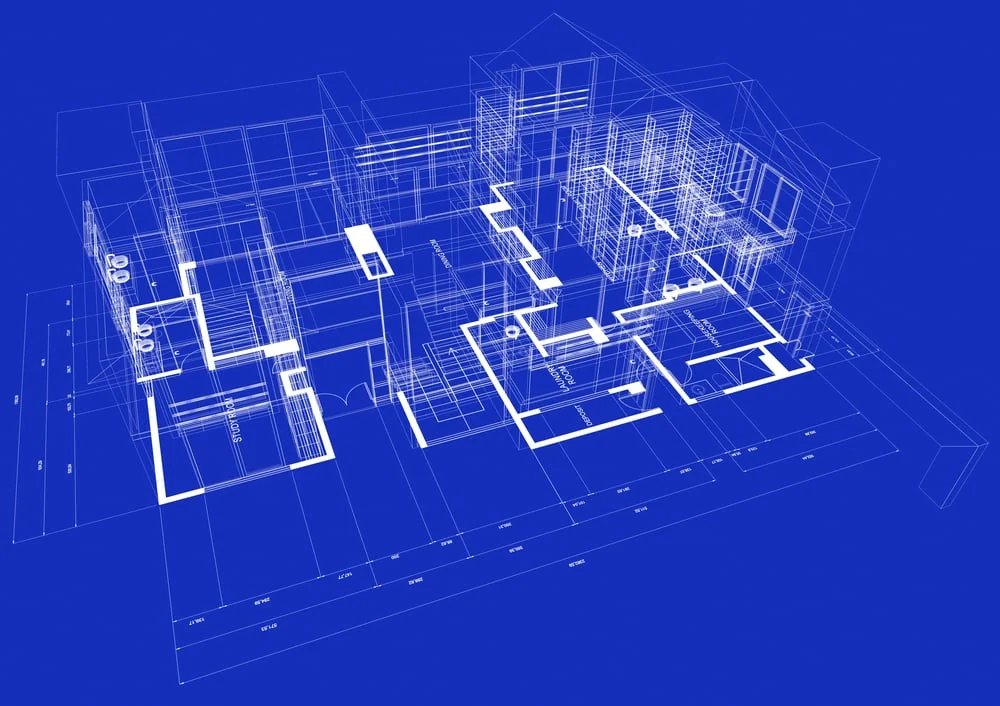
What is CAD Customization and Design Automation? | 5 Benefits of CAD Automation
CAD is a customizable design assistance tool that helps create accurate 2D and 3D representations of the design elements. The Architecture, Engineering, and Manufacturing industries rely heavily on CAD for a majority of their workflows. This utility, however, demands a lot of time as everything is set in place manually.
No more– CAD Customisation and Automation tools are here to the rescue!
Whenever technology carries out tasks traditionally performed by humans, it faces resistance. There is insecurity that these tools will soon replace humans. However, these technologies are for repetitive tasks, to allow us to focus on the critical, problem-solving aspects.
The case with today’s Automation technology is similar.
CAD Customization and Design Automation: Need of the Hour
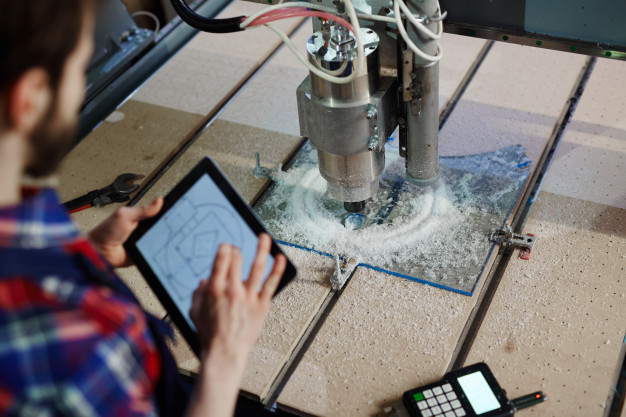
Automation tools can apply to all tasks that do not need critical thinking, merely a set of actions repeated over time. These actions often follow a logical sequence and can be easily computed to perform automatically.
Automation intends to save time for other critical aspects of the design process.
Let us look at how Automating CAD workflow makes design and manufacturing processes more efficient than ever.
Top 5 Benefits of CAD Automation
Computerizing repetitive tasks saves a lot of time. CAD customization and automation lead to enhanced productivity, systems integration, and reduced human errors.
Here are the top 5 benefits of automating your CAD workflow:
- Save time. Utilize it Better
Be it a new building, product, or system, automating repetitive tasks helps decrease the architect’s or engineer’s workload. Automating tasks in CAD saves an immense amount of the designer’s and the engineer’s time. They can use it for higher-level, more productive tasks.
- Efficient Designs
Less amount of repetitive manual work automatically translates to increased efficiency in design. CAD customization and automation optimize the process for modular construction tools and techniques, refining efficiency further.
- Boost Collaboration
Different departments within a project can collaborate better with CAD automation! Architecture and product, both need the involvement of many disciplines and departments. CAD automation can help increase this involvement while everyone focuses on critical-thinking tasks.
- Cut-Costs using CAD Customization and Automation
CAD automation leads to cost-cutting and savings, both directly and indirectly. It simplifies the process of design and manufacture and directly leads to savings. Moreover, it makes time to focus on the important aspects related to innovation and cost-cutting. It also reduces the margin for error, meaning fewer delays.
- Automate Systems Integration
Using automated CAD tools makes the work easier. There is no longer a need for engineering consultation for 3D designs. Automation allows organizations to move configurations faster and ensure good product quality.
Types of CAD Automation
The most effective way to optimize a CAD workflow through automation is to build on existing CAD systems. Most customization tools appear straightforward but demand some effort for their implementation.
The process classification happens in two ways:
Complexity-based
This is the traditional classification of tasks/systems into basic and advanced. The basic level includes symbol libraries, rudimentary scripts, and adjustable menus while the advanced level demands an experience in UI, data structures, and programming languages.
Utilization-based
CAD process automation increases productivity while cutting short on needless errors. All routing tasks involving a rule-based judgment are eligible for automation. Such applications use API to extract data, apply rules, make judgments and perform activities.
Examples of CAD Automation
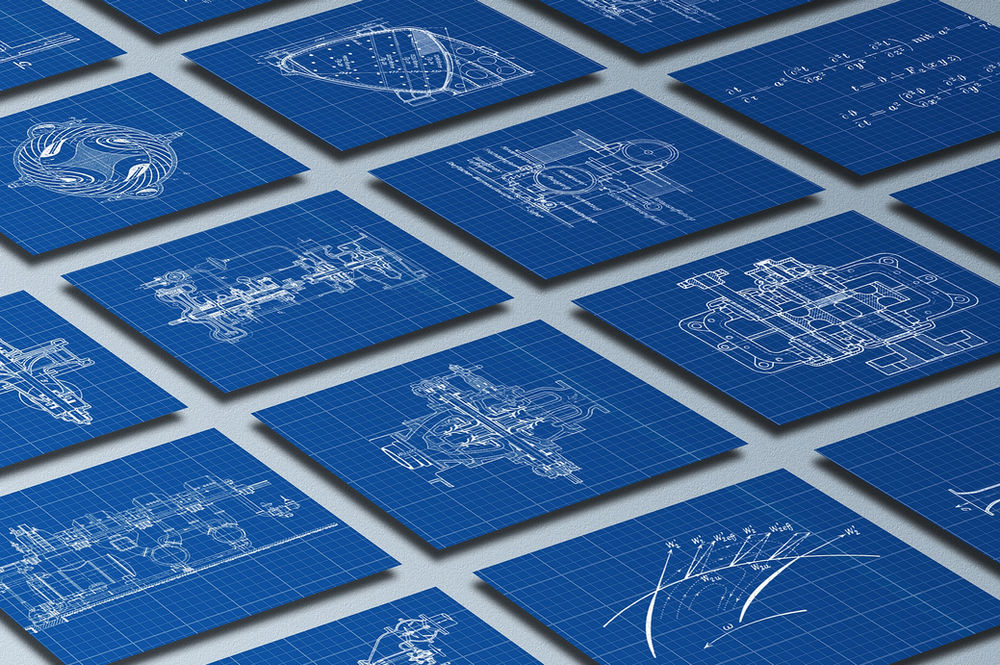
CAD customization and design automation processes apply to many aspects of the CAD process. Some other examples of CAD customization and automation:
⦁ Automation of the design process
⦁ Marcos development
⦁ Drafting Automation
⦁ UI creation
⦁ API toolbar customization
A library of frequently-used drawings, cut-sheet draft files, and assembly instructions are other examples.
Who should use CAD Automation?
CAD automation is the ideal tool for engineering, manufacturing, and product development. Such organizations often have many projects running simultaneously, with tight deadlines.
CAD automation is a handy feature in such cases. Companies without dedicated CAD persons can also use automation to simplify their workflow.
How to implement CAD Automation?
Implementing CAD automation techniques does not take very long. Different processes take time to automate depending on how labor-intensive they are. It is defined by the quantity and complexity of the workflow.
Automating your CAD workflow is probably the first step towards embracing the power of new technology in the AEC and manufacturing industries. Let the mechanical tasks be performed by machines so that humans can focus on the critical aspects.
nCircle provides customized solutions for CAD customization and automation. We use the latest technology to optimize your CAD workflow using the power of AI/ML. Our team of experts provides extensive insight and efficient services to automate CAD processes to streamline repetitive workflows and improve collaboration.
FAQs
Q. What is automation in CAD?
CAD automation is for manual, administrative tasks. It helps engineers and designers keep up with the client's demands and save time for the critical-thinking aspects of the process.
Q. What are the 4 applications of CAD?
CAD is a versatile tool that finds utility in many different disciplines. Some examples are:
⦁ Architecture- for the creation of drawings
⦁ Interior Design- for layout, planning, and detailing.
⦁ For the creation of workflow charts and organizational diagrams.
⦁ For the creation of proposals and presentations.
Q. What are the 4 types of automation?
⦁ Fixed automation
⦁ Programmable Automation
⦁ Flexible Automation
⦁ Integrated Automation
Q. Can you automate CAD?
Yes. All the parts of the CAD workflow that are repetitive and bound by a logical sequence of actions can be automated. Automation saves time and improves the quality of the work.
Q. What are 2 examples of CAD?
⦁ AutoCAD- one of the first CAD software in the market, by AutoCAD
⦁ SolidWorks- A Dassault Systèmes product, it’s a popular tool for 3D design professionals.