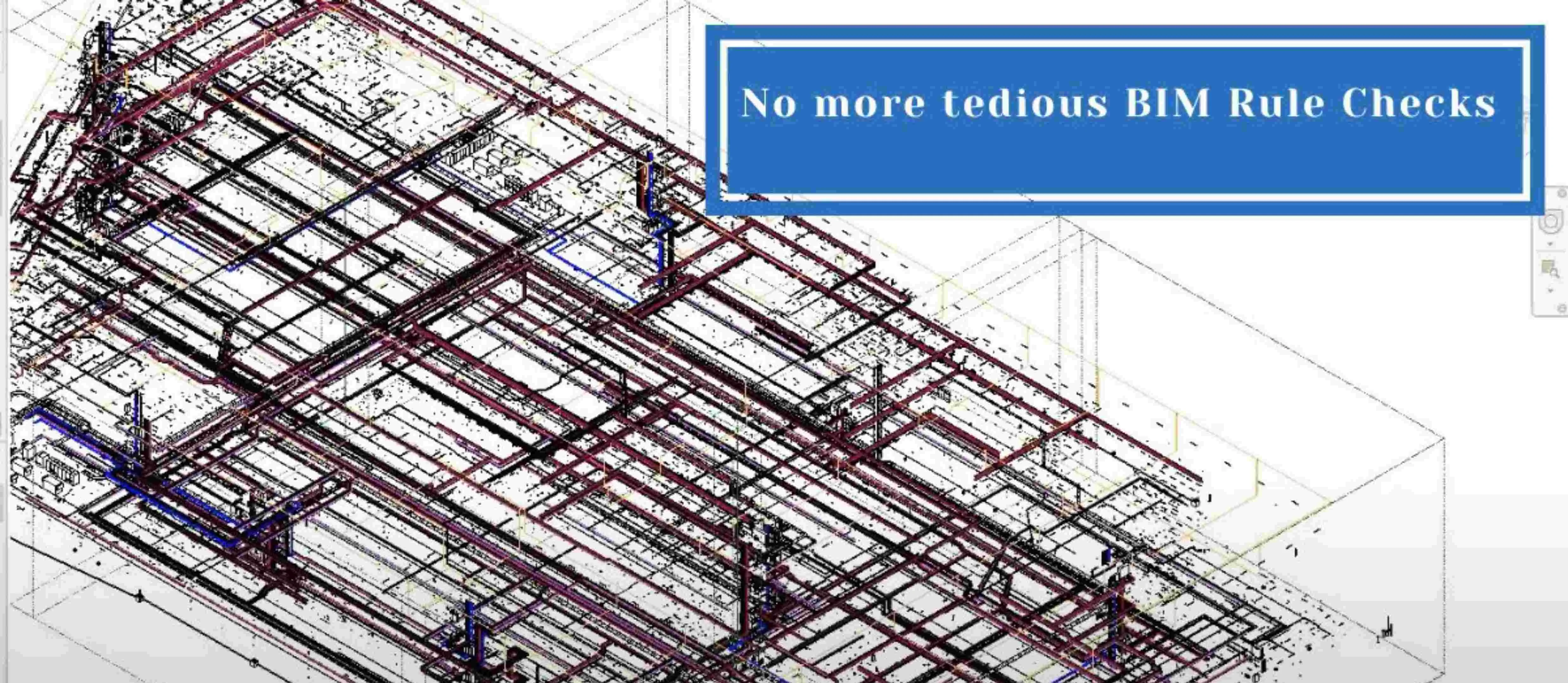
Enhancing Quality Control in Large-Scale Infrastructure: The Power of Automated BIM Model Checking
While the AEC industry is ever-evolving, the level of creativity is reaching new heights that can be made into reality with the help of advanced technological features that enhance and elevate workflow.
With BIM on the rise, it is advisable to integrate BIM software, tools, and techniques into every aspect to gain insights into the future. Doing so not only enhances efficiency but also provides key insights that drive better decision-making, quality control, and project outcomes.
The Role of Model Checking in BIM
BIM model checking plays a crucial role in analysing geometric, spatial, and non-spatial data while ensuring its quality, accuracy, code compliance, and more. It involves the use of specialized software tools to verify that the BIM model adheres to specific requirements, standards, regulations, and project specifications.
Quality control and assurance are essential to ensure the model is error-free or has identified design problems early into the project. One of the most common and most important uses of BIM model checking is clash detection. This identifies and highlights clashes within the BIM model to avoid rework or added costs during construction. It also assures that all the disciplines are well-coordinated, avoiding design misunderstandings and improving overall workflow.
Model checking can be used to verify that the BIM model meets local building codes, regulations, and standards. Embedding rules and regulatory requirements into the model-checking process makes it easier to ensure that the design adheres to legal and safety requirements.
Among all, it also helps beyond the design phase, as it acts as a bridge for communication between members of the teams that are working on the same project.
Manual vs Automated Checking
The traditional method of BIM model checking is known for its manual time-consuming and error-prone risks. While relying on human expertise is one of the most common methods, reviews of designs for compliance with project requirements and standards is quite a task that possibly leads to costly revisions and delays in case of any errors in the process.
Automated checking leverages advanced algorithms and software tools to streamline the review process, quick to identify any discrepancies through real-time detection. While human experts like engineers, architects, and designers still do play an essential role in interpreting results and making informed decisions, automated checking is more accurate and required for large-scale complex projects.
Though an all-team, all-professional thorough manual process under human expertise is done, the collaboration between technology and humans calls for a strong hold on BIM model checking.
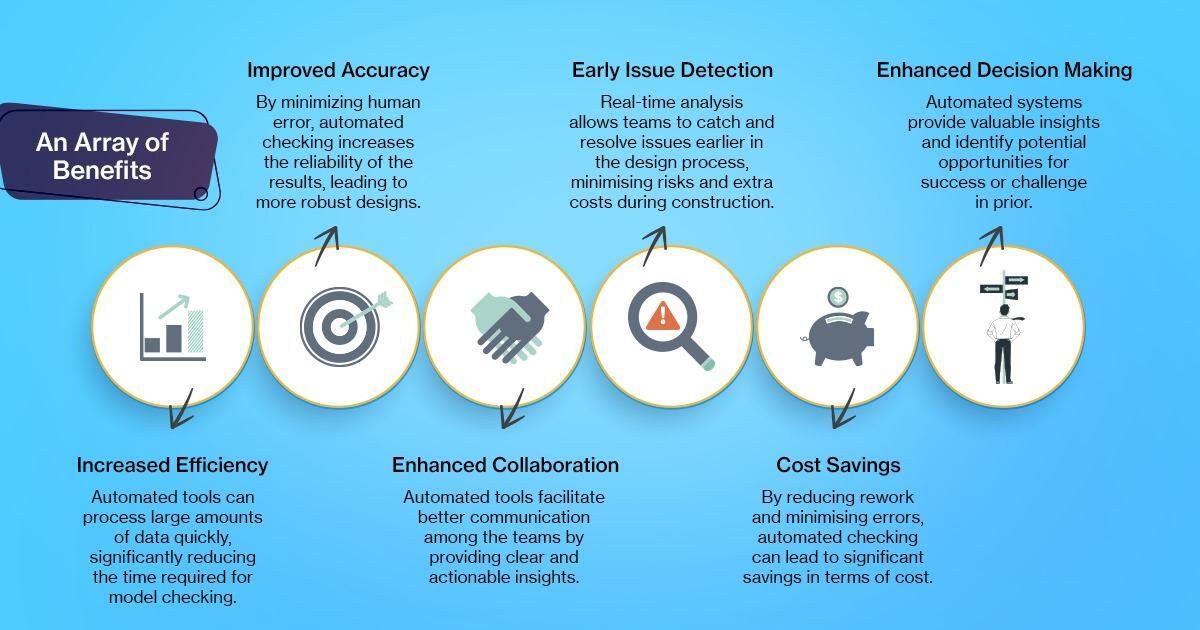
An Array of Benefits
Automated BIM model checking not only streamlines quality control in large-scale infrastructures, but also has several other advantages like:
Diversity of Tools
As wide as BIM is, it integrates an array of software and tools within them, each tailored to specific requirements, unique in their way to facilitate ease and fluid workflow. Some of them incorporate BIM model checking like:
1. Automated QC Checker
QC Checker, developed by nCircle Tech, automates quality control in BIM, performing rule-based checks to ensure models comply with industry standards. This tool enhances accuracy and consistency, reducing errors and improving model quality.
2. Deviation nSpector
nCircle Tech’s Deviation nSpector detects deviations between design and as-built models, helping contractors verify construction accuracy. It quickly spots discrepancies, aiding in alignment with the original design and minimizing costly adjustments.
3. Navisworks
Widely used for clash detection and project review, Navisworks allows teams to simulate construction processes and analyze potential issues.
4. Solibri
This tool provides comprehensive model checking capabilities, including rule-based checking against codes and regulations.
5. Dynamo
A visual programming tool that can automate various tasks within BIM software, enhancing model checking workflows.
6. MagiCAD
This MEP add in isn’t just a clash detector but is a clash avoider. This offers a range of modelling functions for Revit and AutoCAD, and allows exports via BCF. ClashMEP also helps in stopping clashes prior to their clashing.
Challenges of Automated BIM Model Checking
- Model Complexity: Detailed models may need extra review before automated checks are effective.
- Data Privacy: Automated checks require strict data protection for sensitive project info.
- Training Needs: Ongoing employee training is essential for effective tool use.
- Integration Limits: Some tools may struggle with large-scale or complex projects.
Despite these challenges, automated BIM model checking should be viewed as an essential part of the planning-designing-execution journey, especially for complex projects. Considering its benefits, it is well suited to minimise errors, reduce extra costs, and save time to deliver a successful project.
Automated BIM model checking is transforming large-scale infrastructure projects by ensuring designs are accurate, compliant, and error-free. As the AEC industry adopts new technology, automated quality control in BIM is proving essential for boosting efficiency, enhancing collaboration, and improving project outcomes. By addressing issues early in the workflow, these tools help teams reduce rework, save costs, and streamline the path from design to execution, making automation the future of quality control in construction.
Interested in transforming your quality control processes?
Visit nCircle Tech to learn more about our cutting-edge BIM model-checking solutions and discover how we can help elevate your next construction project through the power of automation.