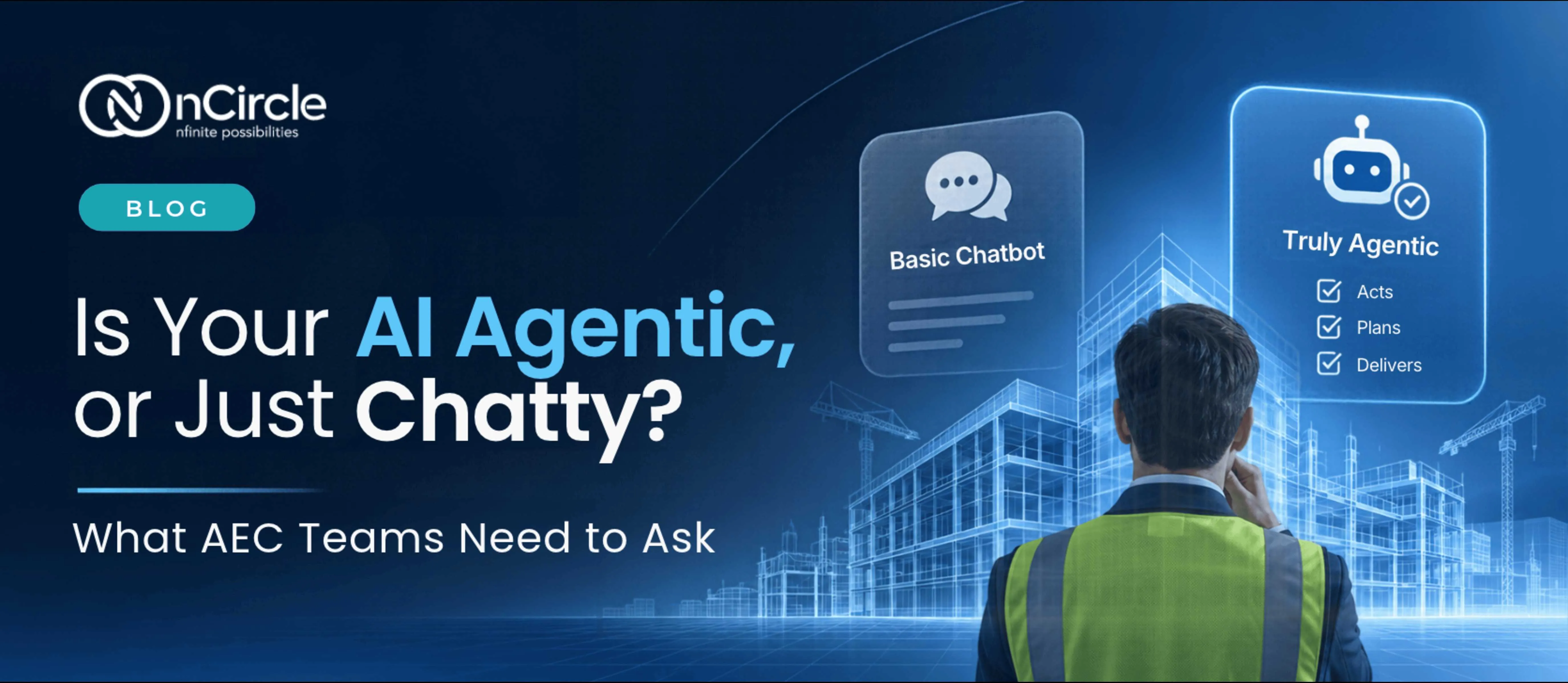
Is Your AI Agentic, or Just Chatty? What AEC Teams Need to Ask
Ask an AI assistant how to renumber sheets in Revit and you’ll get a clear, confident answer. Then you go back to Revit and do the clicking yourself.
That’s the gap nobody talks about. AI that talks is everywhere now. AI that acts, working inside the tools your team already uses, is what will change how AEC work actually gets done.
Chat Answers Questions. Agents Get Work Done
A chatbot responds to your question. An agent takes steps toward a goal, using tools along the way. In most industries the difference is convenient. In AEC it is decisive, because so much of the value is in doing, not knowing.
Your BIM manager already knows how to standardize families or renumber elements. The cost is the hours of repeated clicking. An assistant that explains the steps saves a little time. One that carries them out saves the rest.
Why This Matters More in AEC
Engineering work carries consequences that a marketing draft doesn’t. A wrong number in a model can travel into drawings, schedules and onto site. That’s why agents in AEC can’t be judged only on how clever they are. They have to be judged on how well they stay inside the lines: acting only where permitted, showing their work and stopping when it matters.
Those limits are what make it safe to move faster.
4 Things to Check Before AI Gets the Green Light
Letting software act inside a live project raises a fair question: what stops it from doing the wrong thing? Four things need to be in place before an agent earns a place in your workflow.

1. Connections
The agent has to reach the tools where the work happens, such as Revit, not just a text box beside them. Without a real connection, it can only advise.
2. Permissions
An agent should act with the same rights as the person using it, and no more. If a user can’t change a model, neither can their agent. Permissions turn “it can do anything” into “it can do this, for this person.”
3. An audit trail
When something changes in a model, someone will eventually ask who changed it, when and why. An agent needs to leave a record of what it did and which instruction triggered it. For firms answering to clients, that record is not optional.
4. Approval points
Not every action deserves the same trust. Renumbering sheets is low-risk and easy to undo. Changing structural elements is not. Good agents pause at the right moments and hand the decision to a person.
From Idea to Action: nCircle Revit MCP
nCircle Revit MCP. MCP, the Model Context Protocol, is an open standard for connecting AI assistants to tools. With nCircle Revit MCP, natural-language instructions can be translated into actions inside Revit, so a team can ask for repetitive work to be done instead of clicking through it themselves.
Think of tasks like renumbering elements, standardizing families and updating models. The engineer describes what’s needed, the work happens in the model they already use, and the review stays with them. In our demo, you can see everyday Revit workflows become faster and more intuitive.
Questions to Ask Before an Agent Touches a Live Project
Whether it’s ours or anyone else’s, a few questions separate a demo from something you can trust:
- Can it act in the tools we actually use, or only talk about them?
- Does it work within each user’s permissions?
- Is there a record of every action and who asked for it?
- Where does it stop and ask for approval?
- Can the change be undone?
Start Small, and Start Reversible
The best first use cases are repeated tasks with clear rules and easy-to-check results: numbering, naming, standardizing. A simple way to decide: tasks the agent can do alone are low-risk and reversible, tasks that need a check come next, and consequential decisions stay with a professional.
Define what a correct outcome looks like, name the person who reviews it and expand only once the agent has earned trust. Agents don’t need to start with the hardest problem in the building. They need to start with the most repeated one.
The Bottom Line
AI that answers questions is useful. AI that does the work, safely, inside the tools your team already uses, is where the real return is. The difference comes down to this: connections, permissions, a record and a person in charge.
Does your team have a repetitive Revit task it would happily never do by hand again?
Our AI experts would love to hear about it.
Let’s talk.
Frequently Asked Questions
What is agentic AI?
Agentic AI is software that takes steps toward a goal, using tools along the way, instead of only producing text. In AEC, that means an assistant that can carry out a task inside the software your team already uses, such as Revit.
What is the difference between agentic AI and a chatbot?
A chatbot answers questions, while an agent does the work. In AEC, that difference matters because the value is in completing tasks, not only knowing how to complete them.
What does an AI agent need to work safely in AEC?
It needs a real connection to your tools, permissions that match the user’s, a record of every action it takes and approval points for consequential changes. These limits are what make it safe to let an agent act in a live project.
What is nCircle Revit MCP?
nCircle Revit MCP lets teams give plain-language instructions that are translated into actions inside Revit, such as renumbering elements, standardizing families and updating models. It is built on MCP, the Model Context Protocol, a standard for connecting AI assistants to tools.