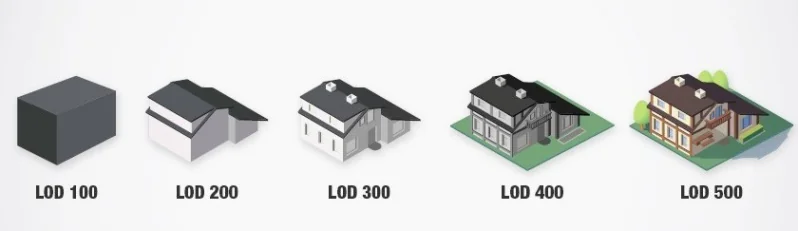
BIM Level of Developments
As BIM became a global phenomenon, construction professionals required a standard means to categorise and communicate BIM models for better collaboration. That is what defined BIM LOD, ‘Level of Development’.
Here we define What BIM LOD is, how many levels there are and what each one means.
What is BIM LOD?
BIM Level of Development is how the AEC industry defines the service level of a BIM Model, and hence the project. Different stages of design need different levels of refinement, categorised as 'levels of development'. These stages include design, 3D visualisation, construction, scheduling, fabrication, etc.
LOD: Level of Development or Level of Detail?
‘Level of detail’ is a general term that applies to any 3D model regarding the kind of detail available through the model. Level of Development applies specifically to BIM models, created by tools such as Autodesk Revit, as per the stage of design/project. The level of detail only describes the detail within building elements.
Level of Development, on the other hand, is a framework for efficient communication and collaboration. Each design phase corresponds to a specific BIM LOD. Since BIM aims for sharing and using building information throughout the building lifecycle, it is necessary to set a communication standard beyond the construction group of the project.
The LODs: LOD100, LOD200, LOD300, LOD 350, LOD 400, LOD 500
As of today, the American Institute of Architects (AIA) defines six levels of development.
- LOD 100– Concept
This is the model at the pre-design stage. It usually contains building masses populated with 2D symbols to signify building elements. It contains basic information regarding a design, which is approximate, not exact.
- LOD 200– Schematic Design
At this level, the building elements find a graphical representation as objects and assemblies. It describes approximate quantity, location, shape, size, and orientation. The information is still based on approximate values.
- LOD 300– Detailed Design
BIM LOD 300 provides details of all building elements as a system or assembly. The model may contain even non-graphic information about the project. All the information obtained from the model at this stage can is accurate.
- LOD 350– Construction Documentation
BIM LOD 350 describes the building system accurately in terms of quantity, size, shape and orientation. Additionally, it also includes information on the interfaces of the system with others.
- LOD 400– Fabrication & Assembly
This level corresponds to the pre-fabrication stage of the project. In addition to BIM LOD 350, it includes the level of detailing required for fabrication, assembly, and installation.
- LOD 500– As-Built
After the construction is complete, the building is replicated as BIM LOD 500. The owners and managers of the structure use model as assistance during the operations phase.
Advantages of the LOD system
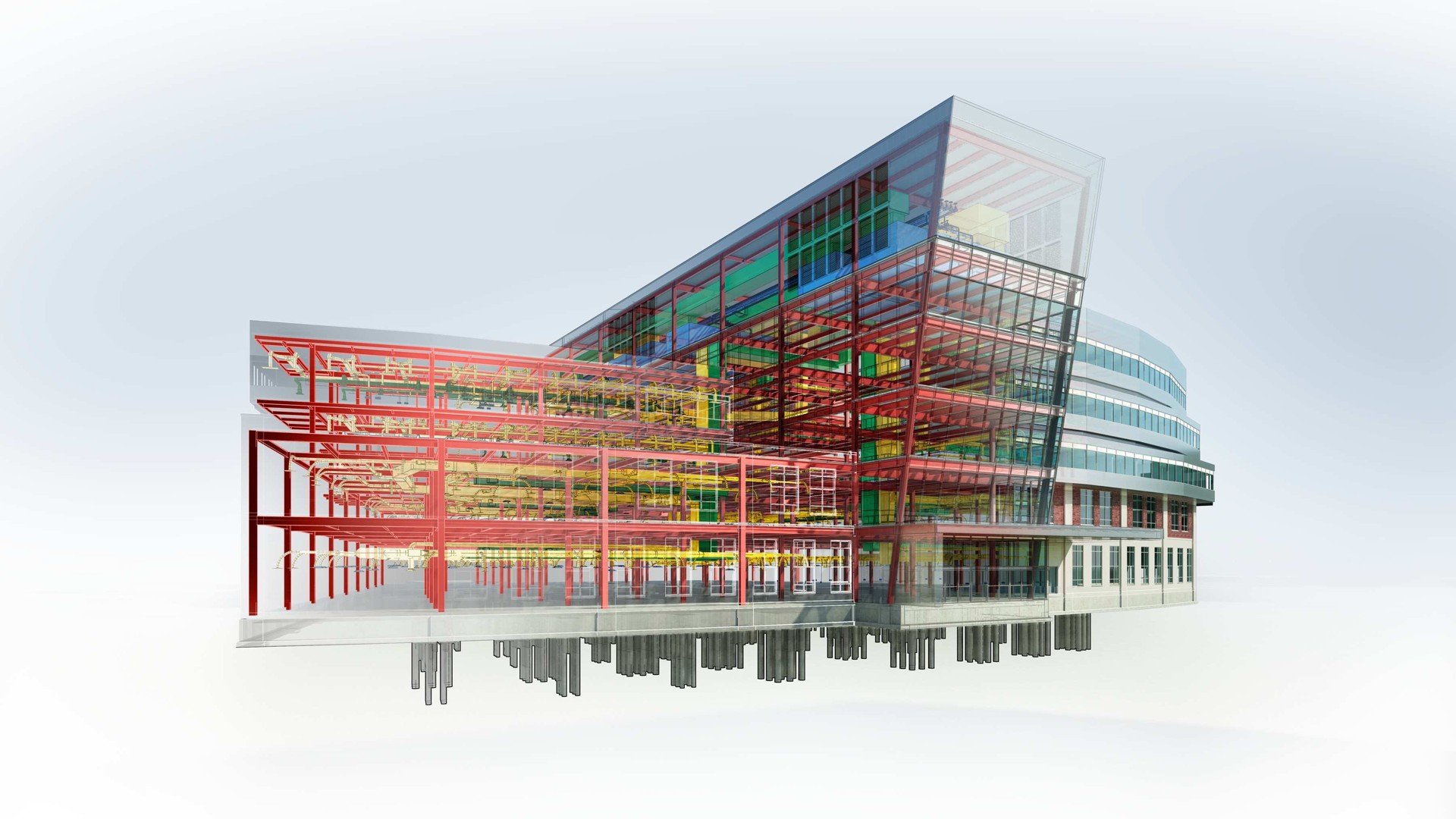
BIM LOD helps everyone involved in a project to stay on the same page. If no standards are set, inconsistencies can become prominent in a project. LOD makes communication fast and simple, allowing efficient use of resources.
Once the standard is set, designers can focus on formulating working guidelines for others. They can thus prevent any lapses in the workflow and execution. It also allows them to explain and plan for the different requirements at the different stages of construction.
Having standard LOD in BIM also clarifies the scope of BIM deliverables. Since BIM is relatively new in the industry, LOD makes it easier to define the scope of the BIM model at each stage. This keeps things clear between the client, design and BIM manager.
The Future of BIM
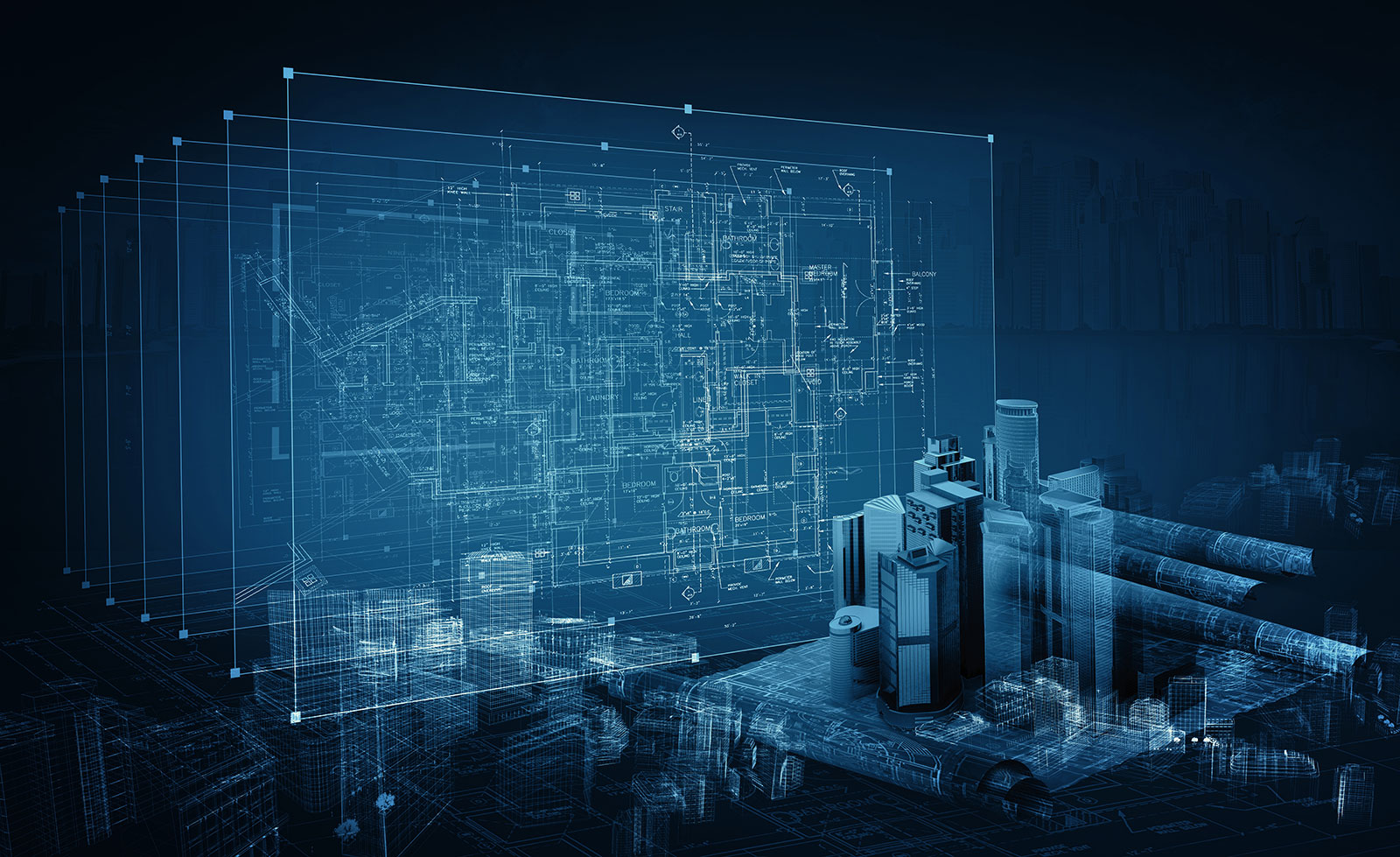
With BIM LOD defining communication and collaboration within the industry, the use of BIM is increasing. Moreover, the latest technology such as automation and AI/ML is bringing a revolution to the industry. In BIM workflows in construction, automation saves time which can be better utilised in critical thinking.
nCircle provides customised solutions for the automation of BIM workflows. We use the latest technology to optimise BIM workflows using the power of AI/ML. Our team provides extensive insight and efficient services to automate BIM processes, streamline workflows and improve collaboration.
FAQs: What is BIM Level of Development?
Q. What are the BIM levels?
BIM Level 0- Low Collaboration (CAD)
BIM Level 1- Partial Collaboration
BIM Level 2- Full Collaboration
BIM Level 3- Full Integration
BIM Level 4- To go beyond.
Q. What is BIM level of development?
BIM Level of Development is how the AEC industry defines the service level of a BIM Model, and hence the project. Different stages of design require different levels of refinement, categorised under the levels of development.
Q. What are the stages of BIM project?
⦁ Evaluation
⦁ Pre-Planning
⦁ Execution
⦁ Operations & Maintenance
Q. What is the difference between BIM LOD 100 and 200?
Although both LOD 100 and 200 are initial design stages using approximate information, LOD 200 includes more details about the building elements while LOD 100 is for a basic overview.
Q. What is 3D/4D 5D 6D 7D in BIM?
BIM dimensions (3D, 4D, 5D, 6D & 7D) are categories of the type of information retained and its presentation through a BIM model. They enhance the data associated with a model for better clarity of the construction project.
Q. What is BIM lifecycle?
The BIM lifecycle is when building information is created, maintained and managed throughout a building lifecycle.